
Download
AI Zeny for Windows
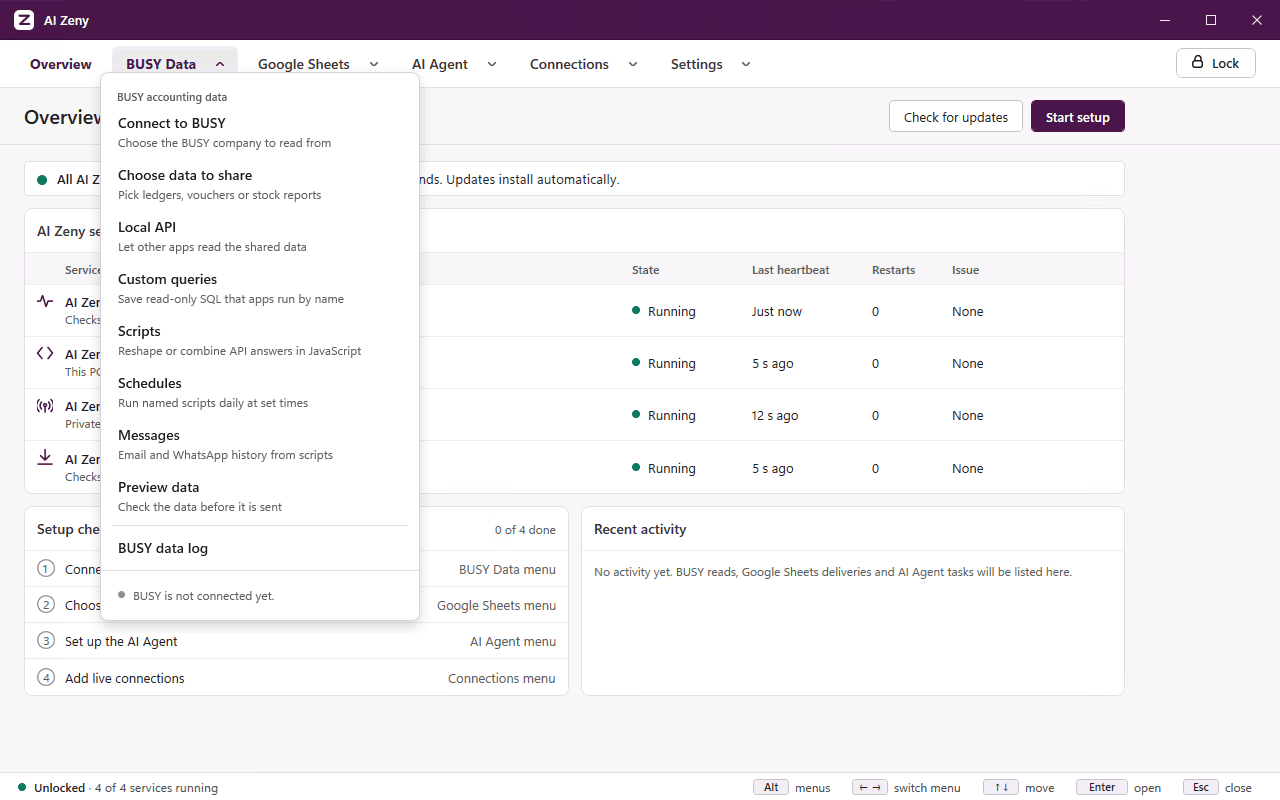
The Windows app runs beside BUSY Accounting on your PC. It answers your requests, runs your scripts and connects your BUSY companies to AI Zeny. The download is public and needs no sign-in.
Opens the public AI Zeny releases page on GitHub, where you choose the installer.
- 64-bit Windows 11, 10, Server 2016+
- No sign-in needed
- .NET runtime included
Check the system requirements first, then follow the installation steps.
Read the Terms of Service and Privacy Notice before installing. For removal and retained data, see how to uninstall AI Zeny.
Install in three steps
The installation guide covers every Windows prompt and your first unlock.
- 1
Download the installer
Use the download button. It opens the public releases page on GitHub; the download needs no sign-in.
- 2
Run it and answer Windows
If Windows shows “Windows protected your PC”, choose More info, then Run anyway, and give administrator approval.
- 3
Enrol the PC and unlock
Enter the one-time enrollment code from the portal, then create the password or PIN that unlocks AI Zeny on this PC.
What you install
AI Zeny for Windows
For 64-bit Windows 11, Windows 10, Windows Server 2016 and newer.
Windows services
The services the app runs with, added by the installer.
.NET runtime
The runtime the app needs, included in the installer.
Before you run the installer
Unsigned installer
The installer is not code-signed, so Windows shows it as coming from an unknown publisher and may warn you before it runs. The installation guide shows the warning and what to choose.
If Windows warns you, choose:
More infothenRun anyway
Updates itself
The app updates itself automatically and checks each update’s integrity before installing it. That check is separate from code signing and does not change the Windows publisher warning.
Trouble connecting to Microsoft Access?
Missing 64-bit Access driver
If your BUSY company uses Microsoft Access and AI Zeny reports a missing driver or Access Database Engine error, check your Office setup and install the compatible Runtime.