


Getting started · Tutorial 1 · 1:58
How to Register Your Organization on AI Zeny | Email & WhatsApp Verification
Register your organization on the AI Zeny web portal, then verify your email address and WhatsApp number using OTPs.
Watch tutorial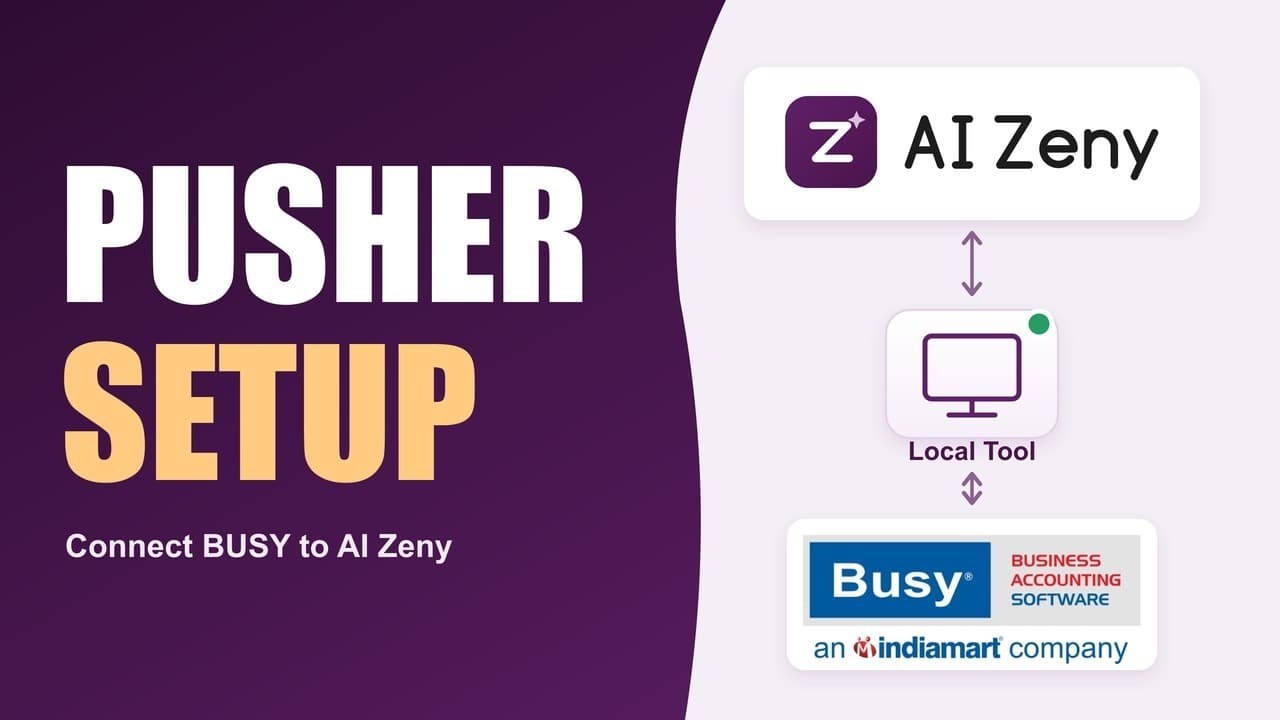
Pusher · Tutorial 2 · 1:44
AI Zeny Pusher Settings | Connect BUSY Accounting Software via the Local Tool
Configure your organization’s own Pusher account in AI Zeny and understand the connection between the web portal and the local tool for BUSY Accounting Software.
Watch tutorial
Device setup · Tutorial 3 · 4:44
AI Zeny Device Registration for BUSY Accounting Software | Desktop Setup & Enrollment
Download and install the AI Zeny desktop tool on your BUSY data server, then register the device using a one-time enrollment code.
Watch tutorial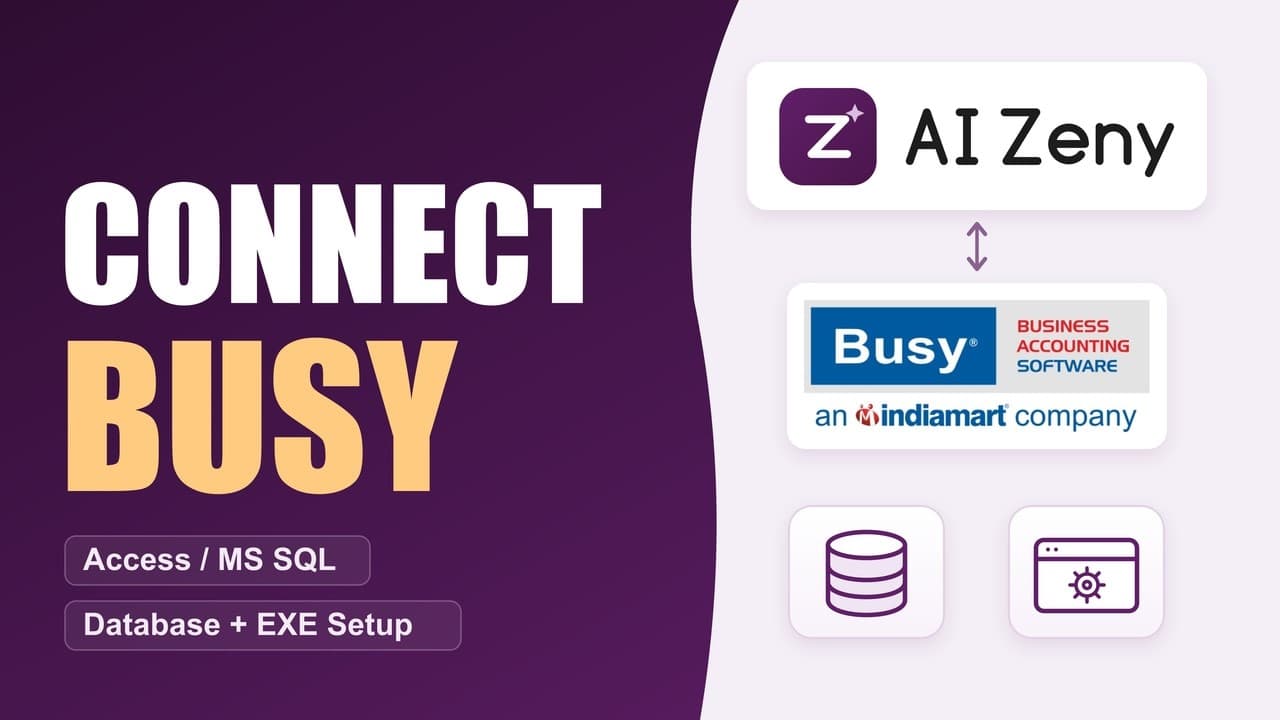
BUSY connection · Tutorial 4 · 3:54
Connect AI Zeny to BUSY Accounting Software | Access, MS SQL & EXE Setup
Connect AI Zeny to a Microsoft Access or MS SQL BUSY database and configure the BUSY EXE path for your setup.
Watch tutorial